Entry pages
- Unique URLs for every entry
- The entry title becomes the page heading
- Missing entries get a clear error page
 Let's Chat
 A web-based encyclopedia built with Django, where Markdown-powered entries can be searched, created, edited, and explored.
THE IDEA
Wiki is a web-based encyclopedia built as part of CS50's Web Programming with Python and JavaScript (CS50W). Entries live as Markdown files on disk, and every page is rendered server-side by Django - no database to manage, just files that read and write.
The brief was deceptively simple: browse an index, look up an entry, search for one, create a new one, edit an existing one. The interesting work is in the parts invisible on screen - reading files, converting Markdown, routing titles to pages, and keeping duplicate entries out.
HOW THE WIKI WORKS
Reading, creating, and editing each follow a clean server-side path.
WHAT I BUILT
Seven focused features cover the whole encyclopedia - nothing claimed that wasn't built.
SEARCH, BUT SMARTER
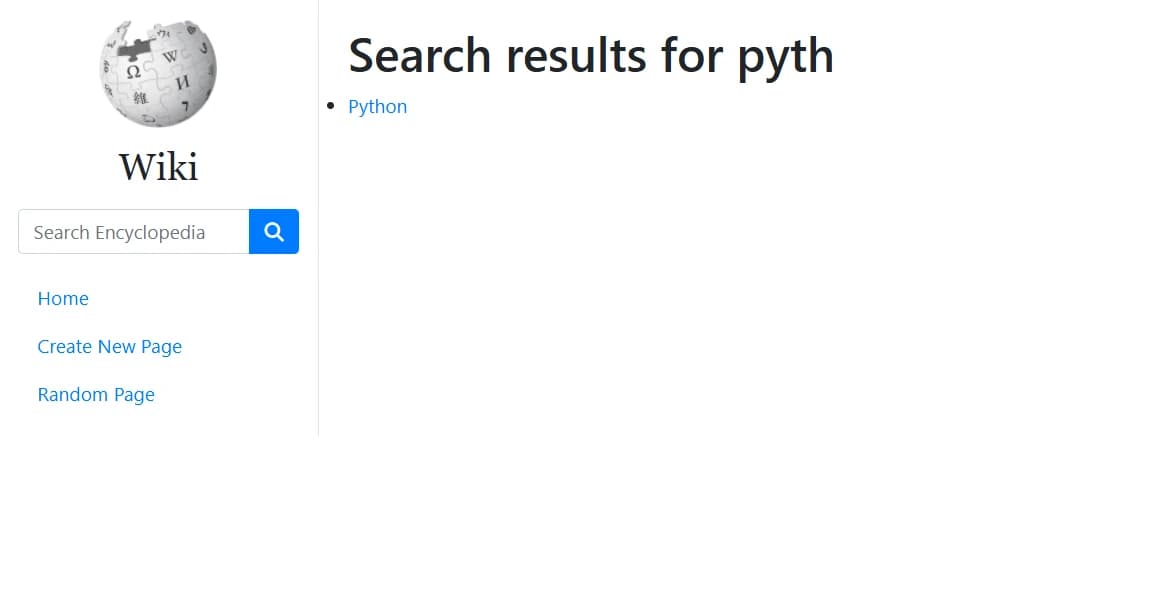
The search box doesn't just match - it decides what to do with a match. An exact title hit jumps straight to the entry; anything else becomes a list of partial matches to choose from.
The query matches an entry name, so the app redirects straight to that entry.
Otherwise it returns a page listing every entry that contains the query as a substring.
FROM MARKDOWN TO HTML
Entries are kept as lightweight Markdown files. Each request reads the file, converts the Markdown to HTML, and hands the rendered page to the template.
# PythonPython is a programminglanguage.<h1>Python</h1><p>Python is a programminglanguage.</p>EDIT THE ENCYCLOPEDIA
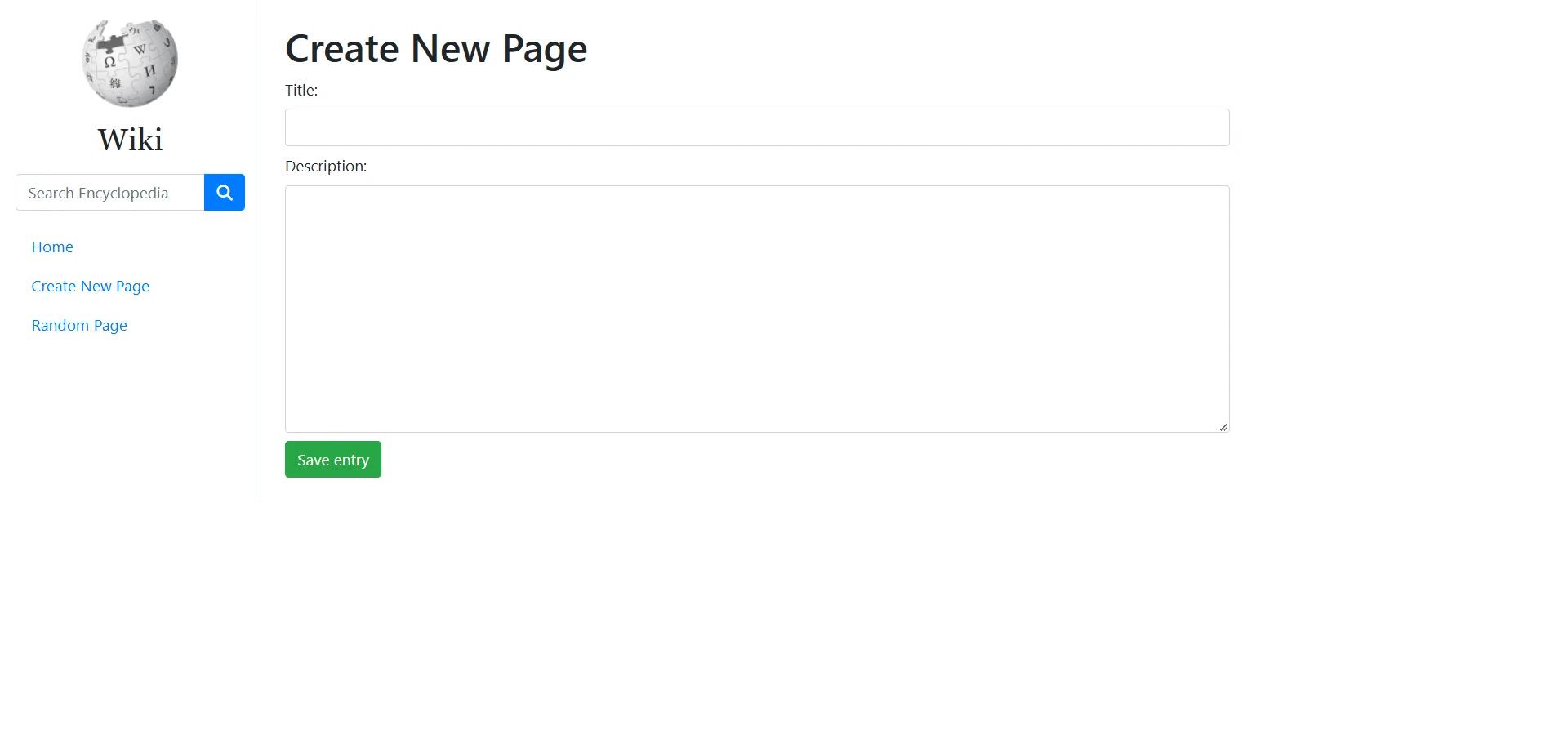
No database admin. The encyclopedia grows and changes through plain forms.
EDGE CASES
The invisible work of a web app is how it fails.
MISSING ENTRY
Request an entry that doesn't exist and Django serves a clear error page instead of crashing.
DUPLICATE ENTRY
Trying to create a page whose title already exists is rejected - the encyclopedia never clobbers an existing entry.
UNDER THE HOOD
The request flows through a small set of Django pieces.
A FILE-BASED ENCYCLOPEDIA
The whole encyclopedia is a folder of Markdown files. A title is a filename, a page is a file read from disk, and the conversion happens fresh on every request.
the database is a directory
WHY DJANGO?
Django supplied routing, views, templates, and forms out of the box - and its server-side discipline keeps all the encyclopedia logic in one place.
WHAT THIS PROJECT TAUGHT ME
The whole loop - request, route, render, write - is one Django application.
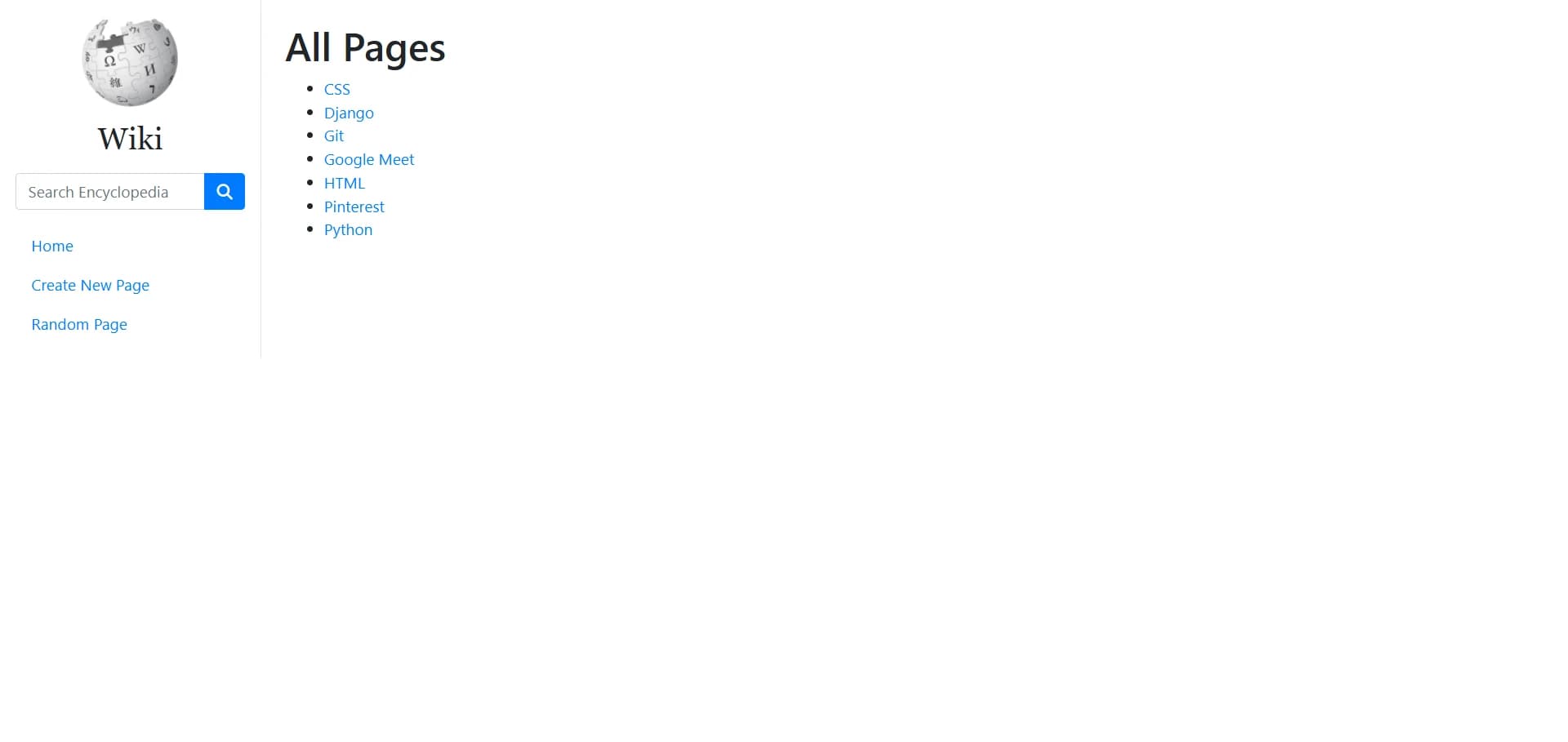
PROJECT SCREENSHOTS
A look at the encyclopedia screens that are available.
PROJECT STRUCTURE
The documented project layout - a classic Django-simple structure.
entries/The encyclopedia itself - one Markdown file per entry.templates/HTML templates for the layout, index, entries, search, and edit pages.views.pyThe application's logic: index, entry lookup, search, create, edit, random.urls.pyMaps URLs to views, including the /wiki/TITLE entry routes.util.pyHelpers that list, read, and write the entry files.BUILT WITH CS50W
Wiki is a CS50W project through and through - a chance to put Python, Django, and server-side rendering into practice with a real, working application rather than an exercise.
CS50W projectPROJECT DETAILS
Browse the Django views, walk the entry files, and watch the screencast.