Authentication
- Register, log in, and log out
- A signed-in identity drives the whole app
 Let's Chat
 An eBay-style auction platform with listings, bidding, watchlists, comments, and category browsing.
BUILT WITH CS50W
Commerce is a course project from CS50's Web Programming with Python and JavaScript - Django, from database schema to server-rendered pages.
CS50W course projectTHE IDEA
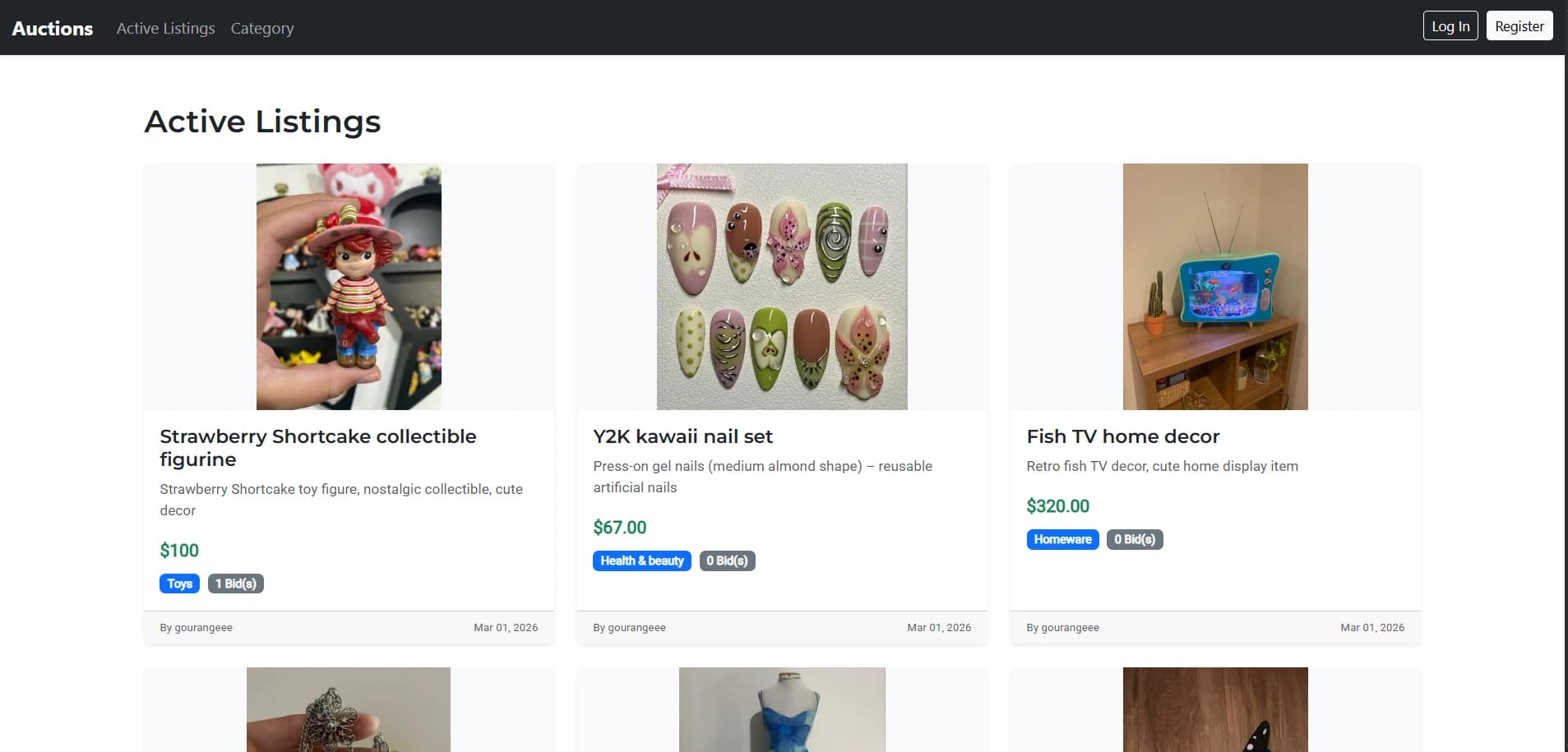
Commerce is an eBay-like auction web application. Users create listings, place bids, leave comments, keep a personal watchlist, and browse listings by category - built for CS50's Web Programming with Python and JavaScript (CS50W).
The focus was the backend: designing a relational schema in Django, wiring up user authentication, validating every form on the server, and getting the auction business logic exactly right.
HOW AN AUCTION WORKS
The five moves behind every auction on the site.
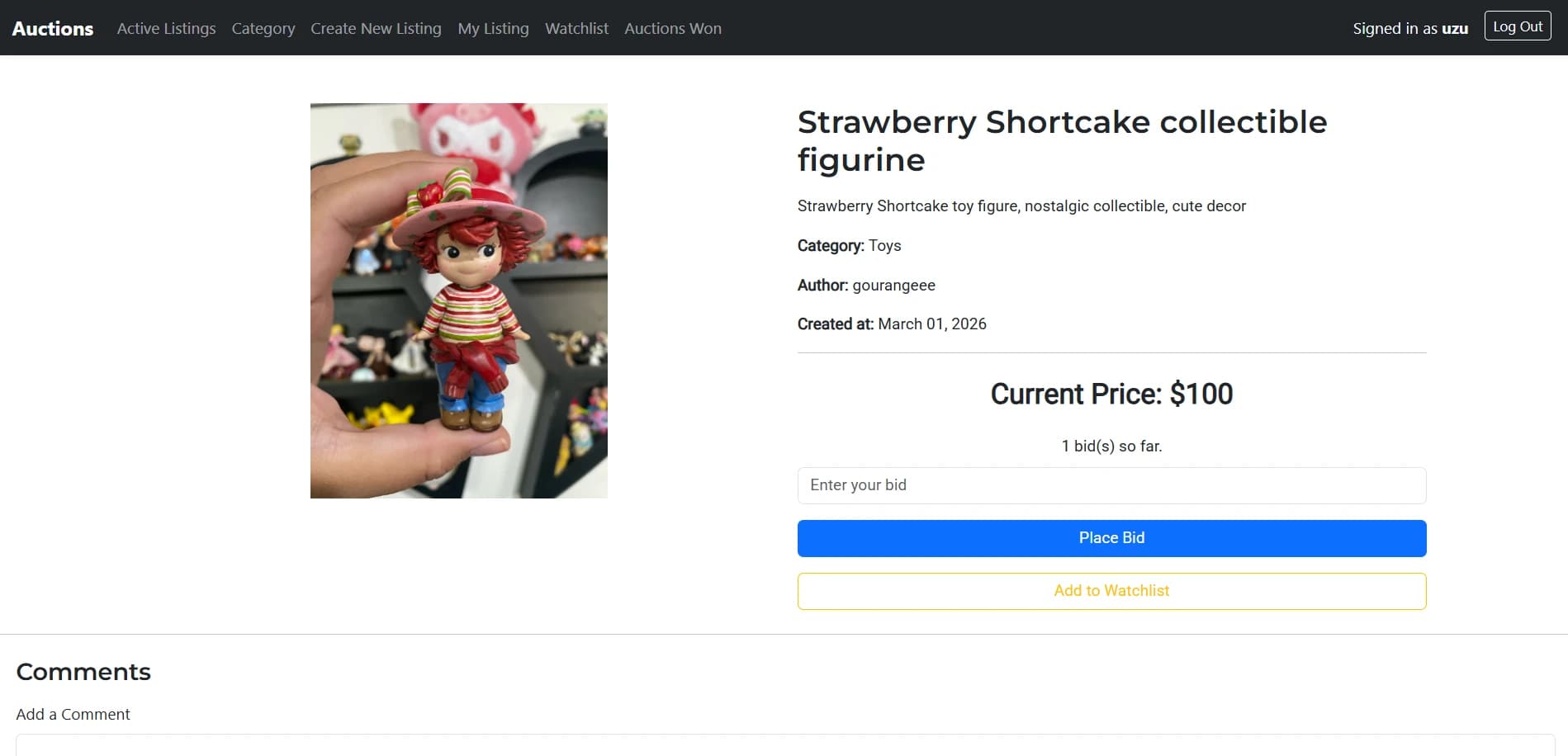
A bid only earns its place if it clears the current price - the highest bid so far, or the starting bid when the auction is fresh.
WHAT I BUILT
Eight compact areas cover the whole app - no production features promised yet.
THE FEATURES IN DETAIL
The flow behind the features, from accounts to admin.
AUTHENTICATION
Django's built-in user system drives registration, login, and logout. Bidding, watchlisting, and commenting all tie back to the signed-in user.
AUCTION LISTINGS
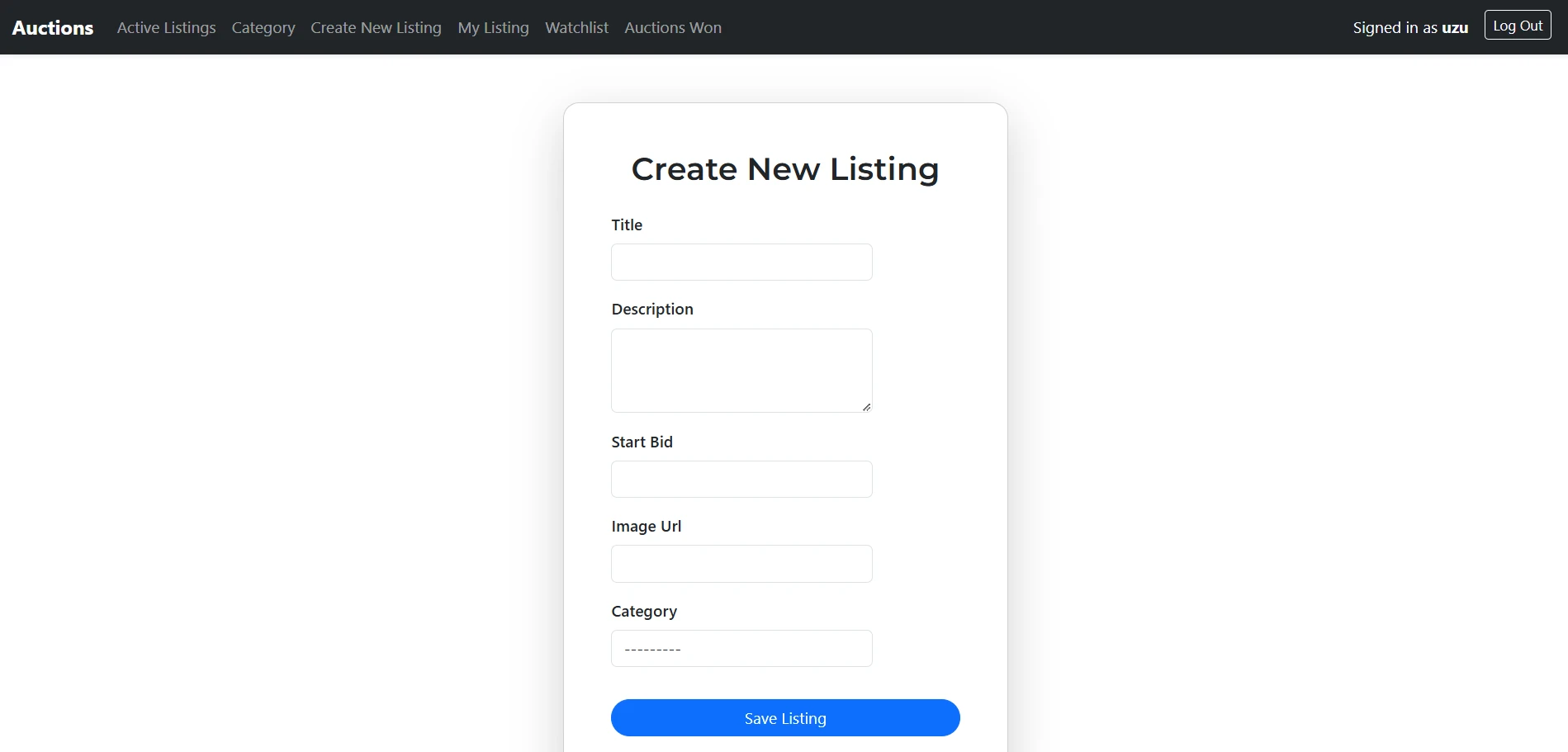
Anyone can publish a listing with a title, description, starting bid, optional image URL, and a category. Active listings flow straight onto the homepage.
WATCHLIST
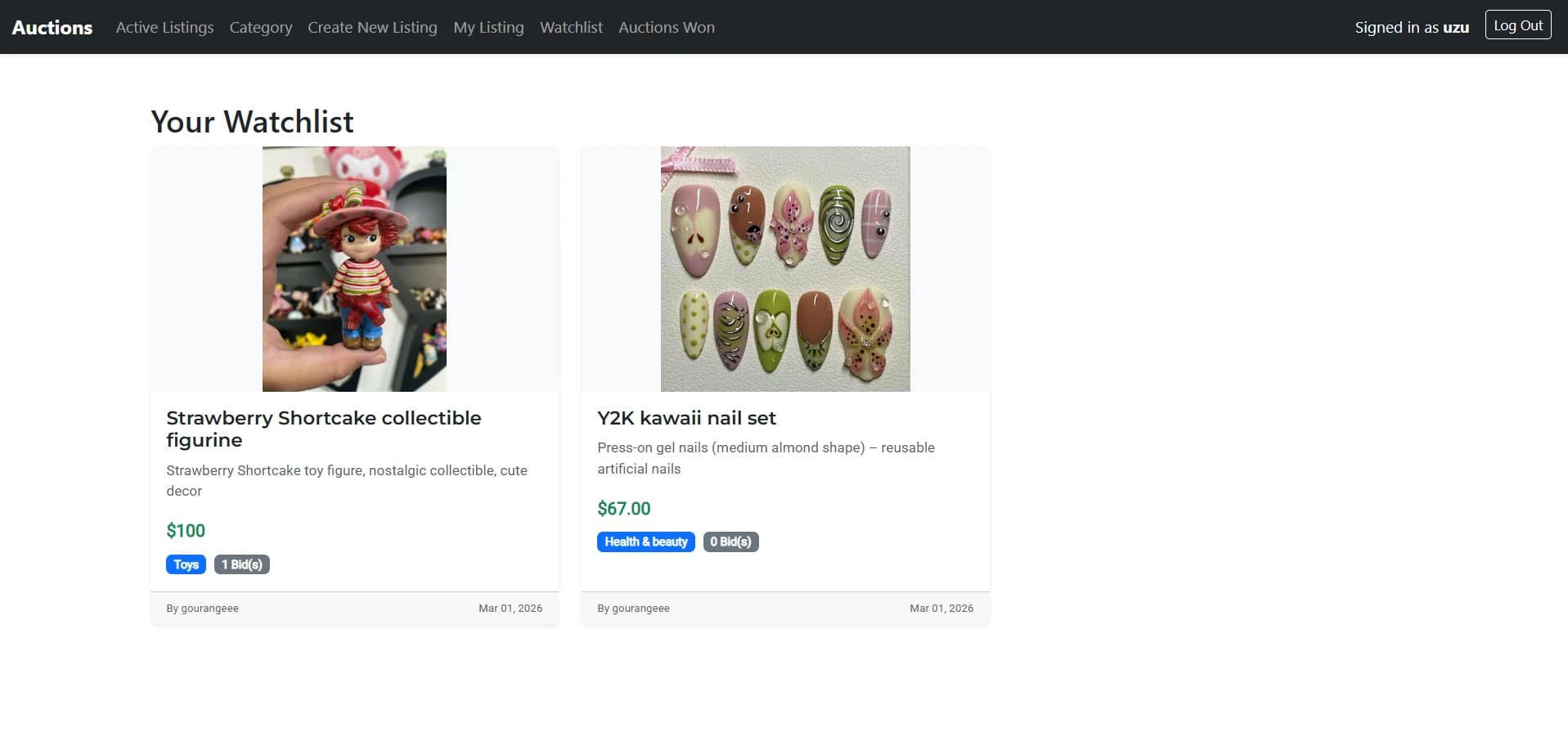
A personal watchlist per user via Django's many-to-many field. One click adds, one click removes, and a dedicated page lists everything saved.
COMMENTS
Signed-in users can leave comments on any listing and delete their own. Every comment is stored with its listing and its author.
CATEGORIES
Every listing belongs to a category. Browse the category index, then open one to see its active listings only.
ADMIN
Django's admin interface handles listings, bids, and comments out of the box - no custom dashboard needed.
The Django admin is the cockpit: listings, bids, and comments, managed without touching the app's own code.
BIDDING LOGIC
Placing a bid is where Commerce does its real work. Every bid is checked before it ever touches the database.
CLOSING THE AUCTION
Only a listing's owner can close it. Once closed, the auction is over and the highest bidder takes the win.
UNDER THE HOOD
A server-rendered Django app on SQLite, styled with plain HTML and CSS.
THE DATA MODEL
Users, listings, bids, comments, and categories - with listings at the centre of almost every relationship.
Bids hang off a listing and remember who placed them.
A many-to-many watchlist links users to saved listings.
Comments belong to a listing, each with an author.
Every listing is filed under one category.
RELATIONAL DATA
Everything sits on Django's ORM. The current price is derived from the related bid records, the watchlist is a through-table in the background, and per-user pages are just filtered queries.
FORMS THAT DO THE WORK
Every form - new listing, bid, comment - is validated server-side before anything is saved. A ModelForm turns clean user input into a real listing.
WHAT I WAS LEARNING
Each objective from the project brief, matched by what got built.
WHAT THIS PROJECT TAUGHT ME
What the build left behind - the skills that rest on the code, not the other way around.
PROJECT SCREENSHOTS
A look at the auction marketplace flows.
PROJECT STRUCTURE
manage.py sits at the project root; the auctions app keeps models, views, URLs, admin, and templates together, and the forms live in views.py.
PROJECT DETAILS
From Django models to the bidding rules - the whole marketplace is on GitHub.
View Commerce on GitHub